
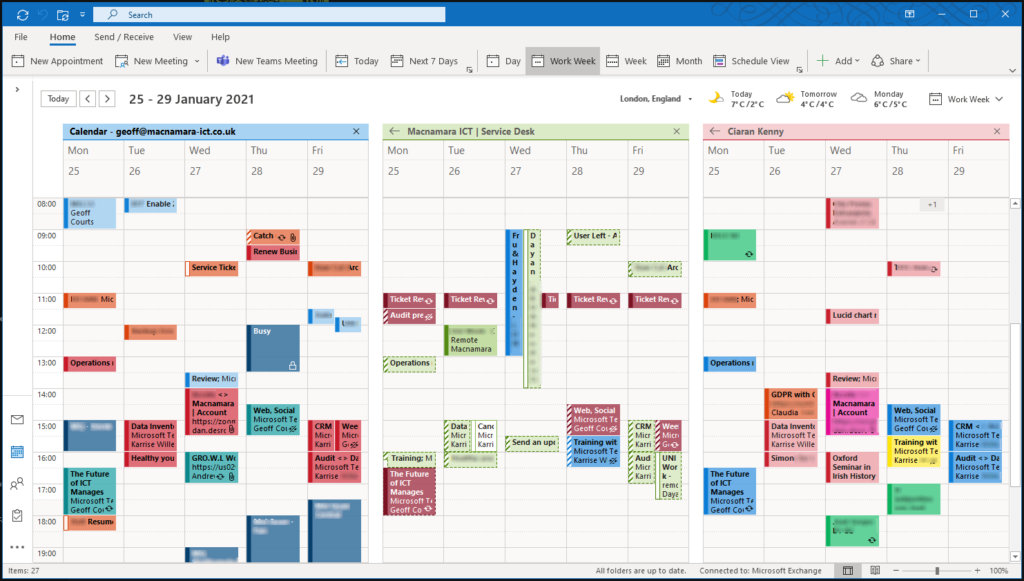
But what if you want your colleagues to see more detail than that? Or want them to be able edit your calendar for you? Fortunately it’s easy to share your calendar with others.
Go to your calendar in Outlook and click ‘Share Calendar’ at the top of the screen.

Select the account in your organisation that you want to share the calendar with.
Set the permission level you want. Choose from:
Can view when I’m busy; this just shows blocked out sections where you have meetings or appointments, but no details of what they are. This is the default for people inside your organisation.
Can view titles and locations; does not include any details from the body of the calendar entry.
Can view all details; this gives them access to see everything in your calendar.
Can edit; they can add items directly into your calendar.
Delegate; they can do all the above but also respond to meeting requests on your behalf.
Unless you really do want to delegate some control over your calendar, I’d recommend using ‘Can view all details’. If you do want to keep some meetings or appointments as private then you can click the ‘Private’ button as shown below.
If you have an appointment in there as a reminder, you can also set your availability to ‘Free’ so you are not blocked out at being busy during this period.



